Building RelayConnected: How I Built My Own CRM From Scratch (And What Broke Along the Way)
I've spent the last few years moving from competitive swimming into cybersecurity and tech support, and somewhere along the way I ended up running two businesses at once — ConnectedAlly, helping people feel confident and safe with their tech, and WebOps Consultancy, building and securing websites for small businesses. Both were generating leads. Neither had a proper home for them.
Bookings went through Calendly. Support tickets went through a third-party form tool into Notion. WebOps enquiries hit a separate little API I'd built ages ago that just pinged me on Telegram. Three systems, two businesses, no single view of what was actually happening. So I decided to build my own CRM instead of duct-taping more tools together.
This is the story of that build — what it does, how it came together, and every single thing that went wrong on the way to getting it live.
What I Actually Built
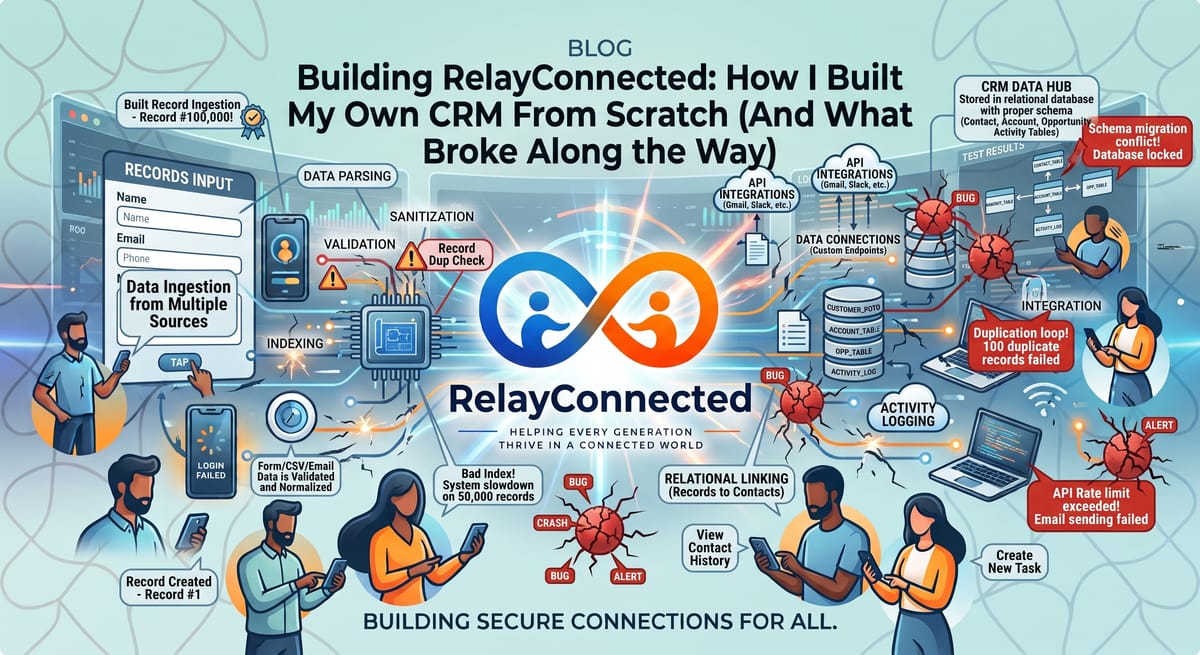
I called it RelayConnected. At its core it's simple: one system that tracks every contact, request, and booking across both businesses, with role-based logins so I can eventually bring on marketing or admin help without handing them the keys to everything. A dashboard shows both business queues side by side, a live activity feed tracks every login, every request, every change — and increasingly, every automated action once I start layering bots on top.
I built it with Claude Code, working directly in VS Code, treating it genuinely like a junior engineer I was directing rather than a black box that just spat out an app. Node and Express on the backend, React on the frontend, Postgres for the database, everything running in isolated Docker containers — the same pattern I already use for the rest of my infrastructure.
Starting From Nothing (Literally)
I hadn't touched Docker before this. I didn't have Claude Code installed. I didn't even have a folder for the project. So the first real session wasn't about building a CRM at all — it was installing Node, Git, Docker Desktop (which meant discovering WSL2 was already half-configured from something else entirely), and the Claude Code CLI, one piece at a time, checking each one actually worked before moving to the next.
Small thing, but worth saying: I git-committed my entire Windows user profile by accident in the first ten minutes, because I ran git init one folder too high up. Nothing catastrophic, just a reminder that pwd is your friend before you type git add ..
The Build Itself
Once the environment was sorted, the actual build moved fast — schema first, then auth, then role-based access control, then the API, then the dashboard. I deliberately kept each session narrow: build the database, prove it works, commit. Build auth, test it with curl, commit. Never let Claude Code run ahead into features I hadn't asked for yet.
That discipline paid off almost immediately, because the very first full test of the login system turned up something I wouldn't have caught for weeks otherwise.
The Rate Limiter Lockout
I built a login rate limiter as part of the security requirements from day one — good practice, stops brute-force attempts. Except the first version counted successful logins against the limit too. So after all my own testing, I genuinely locked myself out of my own CRM with a message reading "too many login attempts." Real bug, would have quietly frustrated a real user eventually. Fixed by only counting failed attempts, and it turned into a properly tuned rate limiter as a result — one that would never have been tested that thoroughly if I hadn't run into it myself.
Then I Actually Forgot My Own Password
Slightly embarrassing, but instructive: partway through testing, the admin password had been reset to something different than what I thought it was, from an earlier testing round. I burned a good twenty minutes assuming the login system was broken before realising the credentials themselves had just drifted. The fix was building a proper password-reset script — audit-logged, safe, can never accidentally create a new account — which is now a permanent, useful part of the system rather than a one-off patch.
The SSH Rabbit Hole
Getting code from my laptop to GitHub to the live server needed SSH keys at every hop, and I hit friction at basically every one of them. A passphrase I couldn't remember on an old key. A config file Notepad quietly saved as config.txt instead of config, which meant SSH just silently ignored it. A deploy key on the server that worked for the initial clone but not for git pull, because I'd only told git to use it for one command.
None of these were hard problems once identified — they were all small, specific, fixable things. But they're exactly the kind of quiet friction that stops people from ever finishing a project like this. Patience and checking the actual error message, every time, got me through all of them.
The Catch That Actually Mattered
The one I'm genuinely glad I caught: when I first brought the production containers up, Postgres was listening on 0.0.0.0:5432 — reachable from the entire internet, not just from inside my own server. Every other database container I run is properly isolated, only reachable internally. This one wasn't, for about two minutes, before I checked docker ps and saw it.
That's the whole reason I built the security requirements into the project brief from day one rather than as an afterthought — catching this immediately, rather than a week later during an actual audit, is the entire point.
Bringing Both Businesses Together
The last piece was making both live websites — ConnectedAlly and WebOps — actually submit into RelayConnected instead of their old separate tools. ConnectedAlly's form pointed there cleanly. WebOps took an extra round: I discovered its existing form was still quietly pinging my old Telegram-notification backend, because I'd changed the code locally but never actually redeployed the live site. Once I ran the proper deploy script, it worked exactly as intended — a real enquiry, landing in the right queue, in real time.
Where It Stands Now
RelayConnected is live at its own subdomain, containerized, running its own isolated database, secured with SSL, sitting behind the same reverse proxy as the rest of my infrastructure. Both businesses feed leads into it. I can see everything in one place for the first time.
What's next is the fun part: automated triage on incoming requests, a security-monitoring bot that turns today's manual login log into proactive alerts, payment and retainer tracking for WebOps clients, and eventually my own SMS system instead of relying on third-party tools at all.
None of this replaced expertise — every decision, every fix, every "wait, why is that port exposed" moment still needed a human paying attention. What it did was let me build something I'd never have attempted alone, at a pace that would have taken a team weeks, in a single sustained session. That's the actual story here: not that AI built my CRM, but that it let me build it myself.